
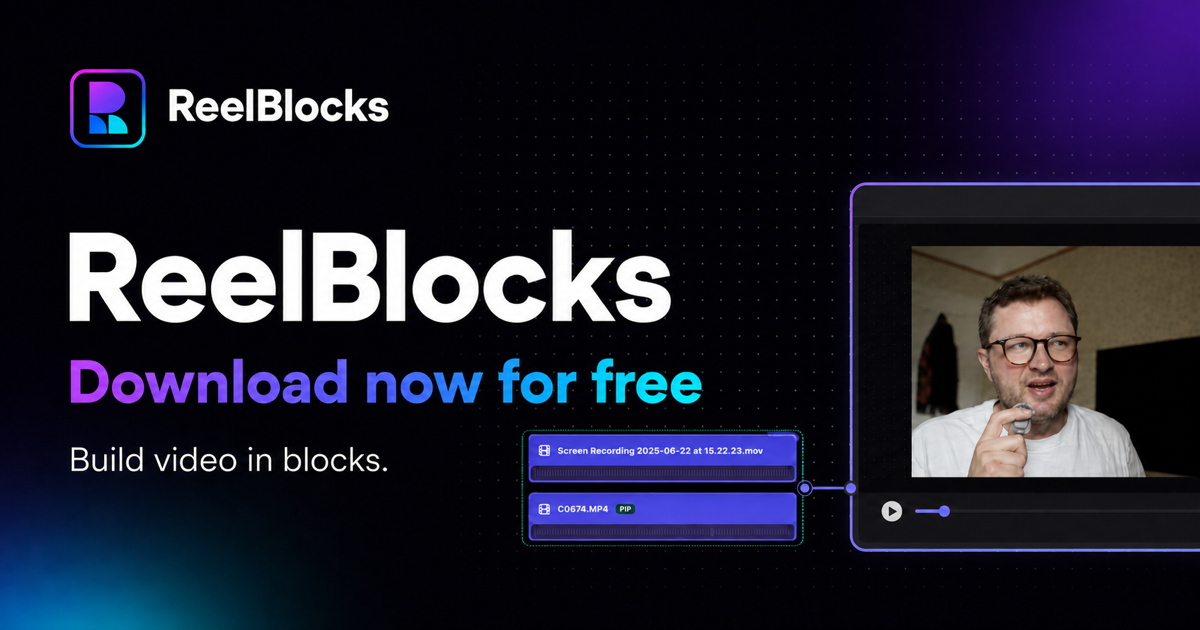
ReelBlocks is a desktop video editor built for creators who want to make videos quickly without the complexity of traditional editing software.
Most video editors force everything into a rigid timeline and surround relatively simple editing tasks with dense interfaces, modes and panels. ReelBlocks takes a different approach: clips can be arranged visually, grouped into reusable blocks and moved around using a magnetic, block-based workflow.
It includes the editing tools needed to produce real videos — trimming, splitting, audio sync, nested blocks, picture-in-picture, text and media overlays, voiceovers, watermarks and reusable asset drawers — while keeping the workflow visual and direct.
ReelBlocks is local-first, so your media and editing workflow stay on your computer rather than requiring uploads to a cloud service.
The first public release is free for Mac and Windows (pending certification). Right now the goal is adoption: get ReelBlocks into the hands of creators, learn which parts of the workflow resonate most, and use that feedback to shape future versions.



Video editing is still unnecessarily complex. Traditional editors force creators to work with rigid timelines, tracks, panels and modes, turning simple edits into fiddly workflows with a steep learning curve. For creators making short-form and online content regularly, the problem isn't a lack of powerful editing tools — it's that those tools get in the way of assembling, experimenting with and restructuring a video quickly. ReelBlocks is built around the idea that editing should feel more